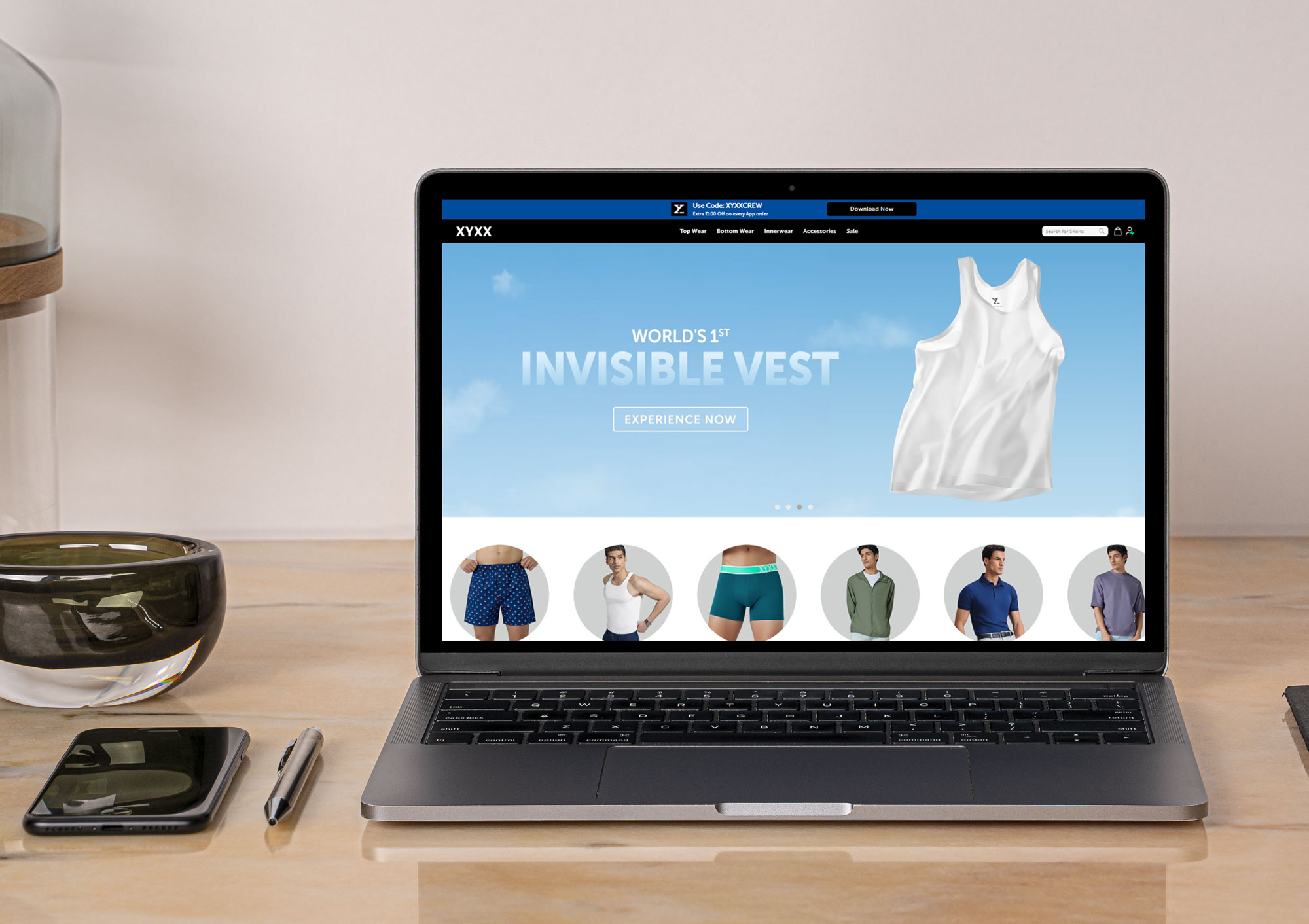
XYLife
Category
E-commerce
Case Study
This UI/UX case study focuses on XY Life (xylife.com), a sister brand to XYXX Crew, specifically targeting the Gen-Z and Alpha (teen/pre-teen) demographic. The design strategy here shifts from the "Sophisticated Masculinity" of XYXX to "High-Energy, Playful, and Trust-based" design.
Case Study: XY Life – Designing for the Next Generation
Role: UI/UX Designer, Audit & Analysis
Sector: E-commerce (Teen Apparel & Personal Care)
Target Audience: Parents (The Buyers) and Teens/Pre-teens (The Users).
1. The Challenge: The "Dual-User" Dilemma
XY Life faces a unique UX challenge: the person browsing the site might be a 12-year-old, but the person paying is a parent. The design must:
Appeal to Teens: Look "cool," vibrant, and non-childish.
Reassure Parents: Highlight safety, fabric quality (organic cotton), and age-appropriateness.
Bridge the Gap: Create a shared shopping experience that feels modern but secure.
2. Visual Identity & UI Design
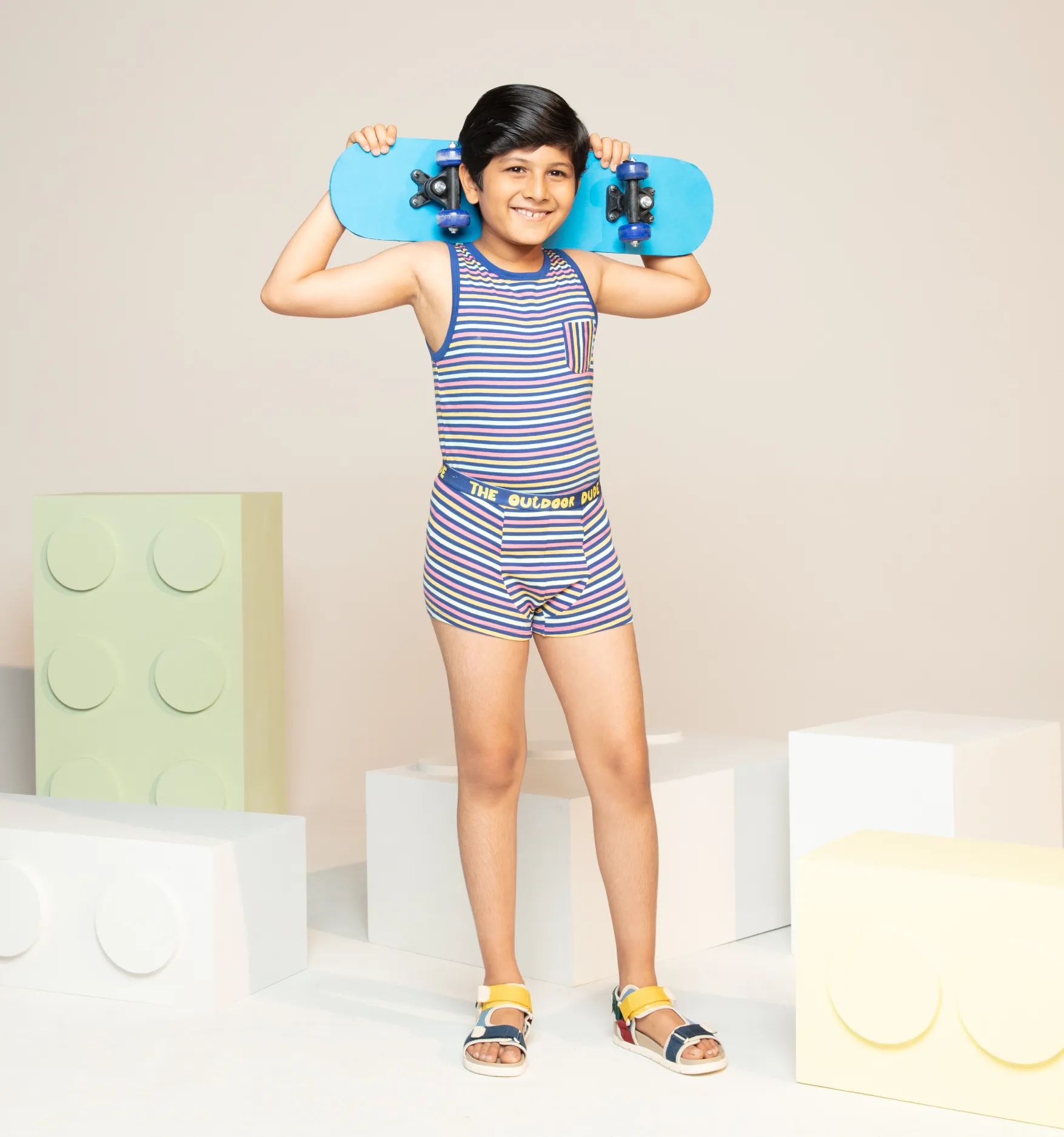
Color Strategy: Unlike the darker tones of adult brands, XY Life uses a saturated, multi-color palette (Yellows, Teals, Oranges). This communicates energy and inclusivity.
Typography: Large, rounded Sans-serif fonts. The "rounded" edges in UI elements (buttons, cards) feel friendly and safe, reducing the "corporate" feel of traditional e-commerce.
Graphic Elements: Use of stickers, hand-drawn icons, and "doodle" aesthetics. This mirrors Gen-Z social media trends (Instagram/Snapchat), making the brand feel relatable.
3. UX Analysis: The Journey of Trust
A. The "Parental Peace of Mind" Section
Feature: Global certifications (OEKO-TEX, GOTS Organic) prominently displayed on the homepage and PDP.
UX Win: By placing "Chemical-free" and "Skin-friendly" tags right below the product title, the UI answers the parent's #1 question immediately.
Impact: Reduces the "Research Time" for a parent concerned about their child’s sensitive skin.
B. Size & Fit for Growing Bodies
Feature: Age-based sizing filters (e.g., 7-8 years, 11-12 years).
UX Win: Teen bodies change rapidly. The UX uses a "Size Finder" that asks for height and weight rather than just age, ensuring a higher "First-Time-Right" fit.
Impact: Lower return rates for the brand and less frustration for the customer.
C. Visual Storytelling (The "Vibe" Check)
Feature: Video-led banners showing kids in motion (skating, dancing, playing).
UX Win: Since the brand sells "Comfort," showing the product in high-movement scenarios provides social proof of performance.
Impact: Validates the "Anti-Chafe" and "Ultra-Stretch" claims through visual evidence.
4. Key UX Features (The "Secret Sauce")
Shop the Look" Bundling: The UI suggests complete sets (Innerwear + Loungewear). For parents, this simplifies the "Back to School" shopping list.
Micro-Interactions: Hover effects on product cards often reveal a "technical" view (like the inner lining or waistband detail), adding a layer of transparency to the quality.
Simplified Navigation: The menu is categorized by "Activity" and "Product Type," making it easy for a child to point at what they want and for a parent to find it.
5. Areas for Improvement (Pain Points)
Content Strategy for Teens: While the UI is vibrant, adding a "Community" or "Blog" section with age-appropriate topics (e.g., "Choosing your first bra" or "Skin care for active teens") could turn the site from a shop into a resource.
Loading Speed: The heavy use of high-definition "lifestyle" videos can slow down mobile performance. Implementing adaptive bitrate streaming for videos would ensure a smooth experience on slower mobile data.
6. Conclusion
The XY Life website is a successful example of Segmented UX. It manages to be "fun" enough for a teenager to stay on the page, while being "serious" enough about quality to make a parent click 'Buy.'
My Approach
The UI/UX process for XY Life (XYXX Crew) is a strategic, five-stage framework designed to balance "Quiet Luxury" brand storytelling with a high-conversion e-commerce engine. This process ensures that the digital experience mirrors the premium "IntelliSoft" comfort of the physical product while optimizing for business growth.
Here is a structured 5-stage UI/UX process tailored for a premium men's essential brand.
Stage 1: Empathize & Audit (The Discovery Phase)
Before moving a single pixel, the goal is to understand the "Modern Indian Man" and his shopping behavior.
Competitor Benchmarking: Analyzing global and local players like MeUndies and Mack Weldon to identify existing UX gaps in the market.
Heatmap Analysis: Utilizing tools like Hotjar to identify drop-off points, such as friction within size charts or suboptimal "Add to Cart" placement.
User Personas: Developing profiles for the "Performance Seeker" (active use) vs. the "Comfort Minimalist" (everyday lounge).
2. Define & Ideate (The Strategy Phase)
This stage shifts from identifying problems to architecting strategic solutions that drive measurable ROI.
The "Fit-First" Strategy: Addressing "Size Uncertainty," which is the primary reason for cart abandonment in the innerwear category.
Information Architecture: Streamlining navigation to prevent cognitive overload, grouping items by fabric or occasion.
User Flows: Mapping a "3-Click Purchase" path to ensure a user can move from the Homepage to Checkout in under 60 seconds.
3. Wireframing & Prototyping (The Structural Phase)
Building the skeleton of the site using Figma, with a heavy focus on the mobile experience.
Low-Fidelity Blueprints: Focusing on the strategic placement of content like fabric technology videos and customer reviews to establish trust.
Mobile-First Design: Optimizing layouts for "The Thumb Zone" to ensure all interactive elements are easily reachable on mobile devices.
Interactive Prototypes: Testing features like "Slide-out Carts" and "Quick-Add" to ensure the interface feels snappy and responsive.
4. Visual Design (The "Quiet Luxury" Phase)
Applying the brand identity to create a premium, masculine digital environment.
High-Fidelity UI: Utilizing a palette of Deep Navy, Slate, and Charcoal with high-contrast, elegant typography.
Visual Hierarchy: Prioritizing product benefits with bold headers while using subtle grays for technical specifications.
Micro-Interactions: Implementing image hovers and "Skeleton Screens" to improve perceived loading speeds and engagement.
5. Testing & Iteration (The Optimization Phase)
Refining the design based on real-world performance data and ensuring technical quality.
A/B Testing: Testing variations of Call-to-Action (CTA) copy to optimize the conversion funnel.
Accessibility Audit (WCAG): Conducting compliance checks to ensure high color contrast and large tap targets for an inclusive experience.
Developer Handoff: Using tools like Zeplin or Figma Dev Mode to provide engineers with exact assets and CSS values to ensure pixel-perfect implementation.